
Only 62% of dental inbound calls were answered in a 2026 analysis, and only 40% of answered calls became scheduled appointments on average. Dental reception duties therefore cover far more than greeting patients, they protect access, schedule utilization, accurate intake, and revenue flow.
A typical day can unravel quickly. A new patient calls while the receptionist is checking someone in, an appointment slot may go unused after a cancellation, and the patient waiting for treatment has incomplete insurance information. If nobody owns each handoff, the practice loses time before the clinical team even begins.
The eight core duties follow the full front-office workflow: appointment scheduling, insurance verification, patient intake, appointment reminders, treatment-plan and financial communication, chart preparation, dictation coordination, and documentation compliance. Together, they keep patient-facing and administrative work moving accurately.
Remote healthcare staff can support much of this workflow during U.S. clinic hours. They shouldn't diagnose, interpret symptoms, recommend treatment, or make decisions reserved for a dentist or manager. They can schedule within a written matrix, collect and document information, follow approved scripts, and escalate clinical, privacy, financial, or operational exceptions. Role-based access, documented procedures, privacy safeguards, and clear escalation rules should be in place before anyone works in the practice management system or phone platform. Practices that want a consistent operating model can also review these benefits of standardizing workflows before assigning work across an in-office and remote team.
1. Appointment Scheduling and Calendar Management
A caller needs a crown appointment, but the requested time is reserved for an emergency evaluation. At the same moment, another patient is checking in and a hygienist's cancellation has opened a short slot. Appointment scheduling requires more than finding an empty space. The receptionist records the patient's identity, reason for the visit, preferred timing, provider requirements, and information needed to choose the correct appointment type. The booking must match the procedure, duration, operatory, provider, and patient need without creating a bottleneck for the clinical team.
Industry reporting cited in 2026 placed average dental-practice call volume at about 30 to 50 calls per day, while broader benchmarks described 60 to 200 calls per day for midsized practices. The same source says a 35% miss rate could represent about 105 to 175 unanswered calls monthly for a typical midsized office. A missed-call recovery process therefore needs an owner, a response window, and a documented outcome. See the dental call handling benchmarks for the operational context.
Build rules before assigning the calendar
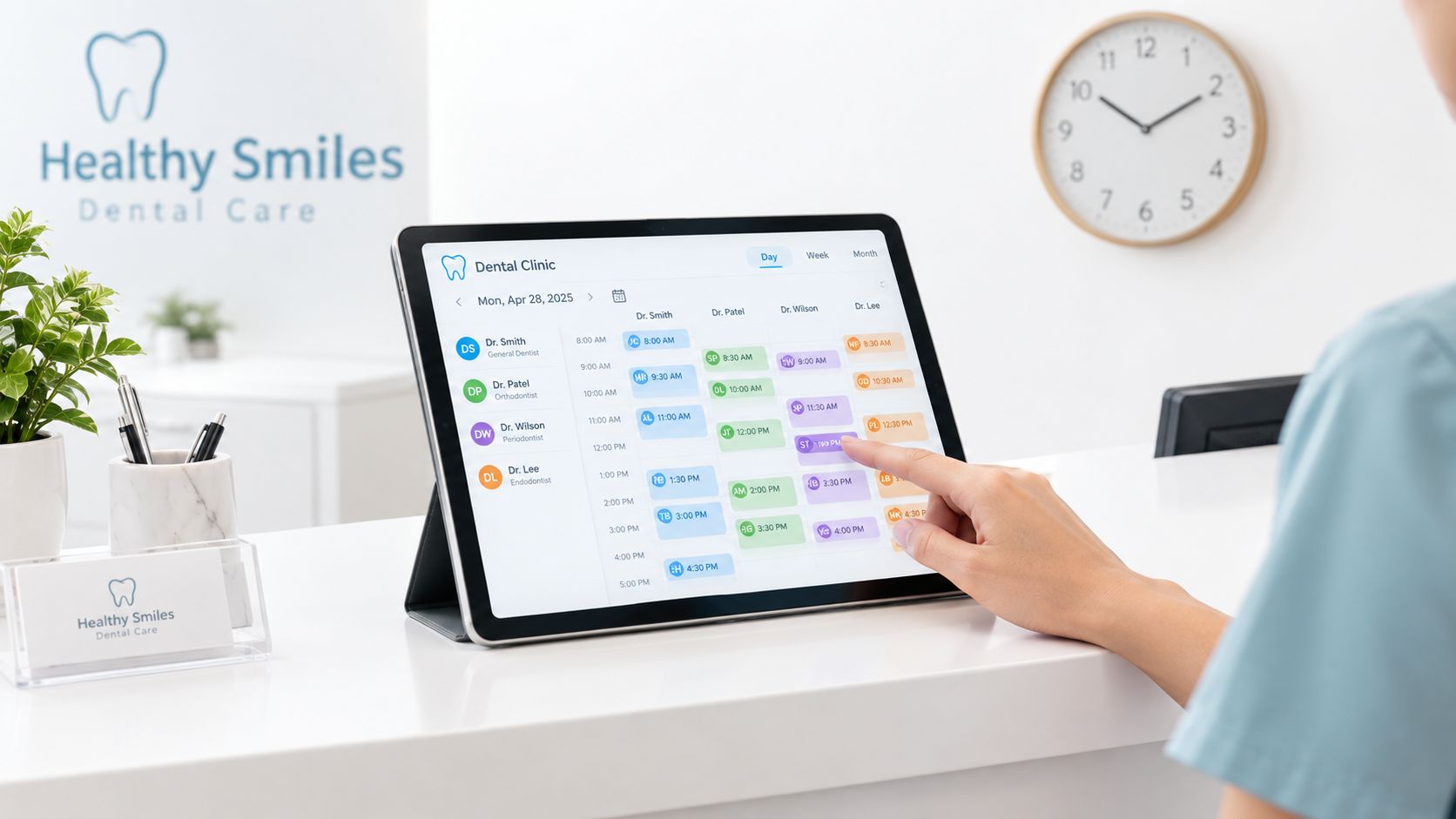
A remote receptionist can book routine visits, reschedule cancellations, maintain an ASAP list, and route messages. Give that person a written scheduling matrix covering appointment types, time blocks, provider preferences, buffer rules, and reserved urgent slots. An apparently open slot may be held for a procedure, provider meeting, or urgent evaluation, so the scheduler should follow the matrix rather than improvise.
Useful controls include:
- Same-day escalation: State when the scheduler may use an urgent slot and when the dentist or practice manager must approve it.
- Conflict handling: Require manager review for double-bookings, late arrivals that could disrupt clinical flow, and requests outside the appointment matrix.
- Cancellation recovery: Record the reason, offer approved alternatives, and contact patients on the short-notice list so the opening has an assigned follow-up.
- Access monitoring: Give remote staff only the calendar and patient fields required for their role, then review changes through system logs or daily reports.
A remote healthcare staff member can handle calls, calendar updates, and routine messages through the phone system and practice management software. Review relevant medical virtual assistant skills before assigning this work, especially phone handling, scheduling accuracy, dental terminology, privacy practices, and escalation discipline. Clinical questions, symptom concerns, exceptions to scheduling rules, and privacy incidents remain with the dentist or manager.
Practical rule: A scheduler protects the calendar. The dentist decides whether a clinical request is urgent and what care it requires.
2. Insurance Eligibility and Benefits Verification
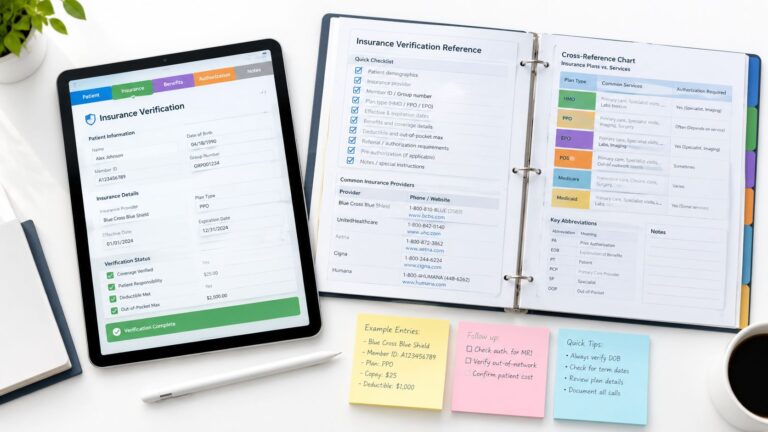
A patient arrives expecting a covered crown, but the plan has an exclusion or has not approved the procedure. Insurance verification reduces that surprise by connecting the appointment record with the patient's financial expectations. Staff confirm active coverage, record benefit information, check authorization requirements, and document what the payer portal or representative confirmed. The result supports a reasonable estimate, not a promise of payment.
Routine preventive care and complex treatment require different levels of review. A patient may have active benefits for examinations while crowns, bridges, implants, orthodontic services, or other substantial treatment face a waiting period, annual maximum, exclusion, frequency limit, or authorization rule. The practice should define which cases need written confirmation, a reference number, a preauthorization check, or manager approval before a financial estimate is presented.
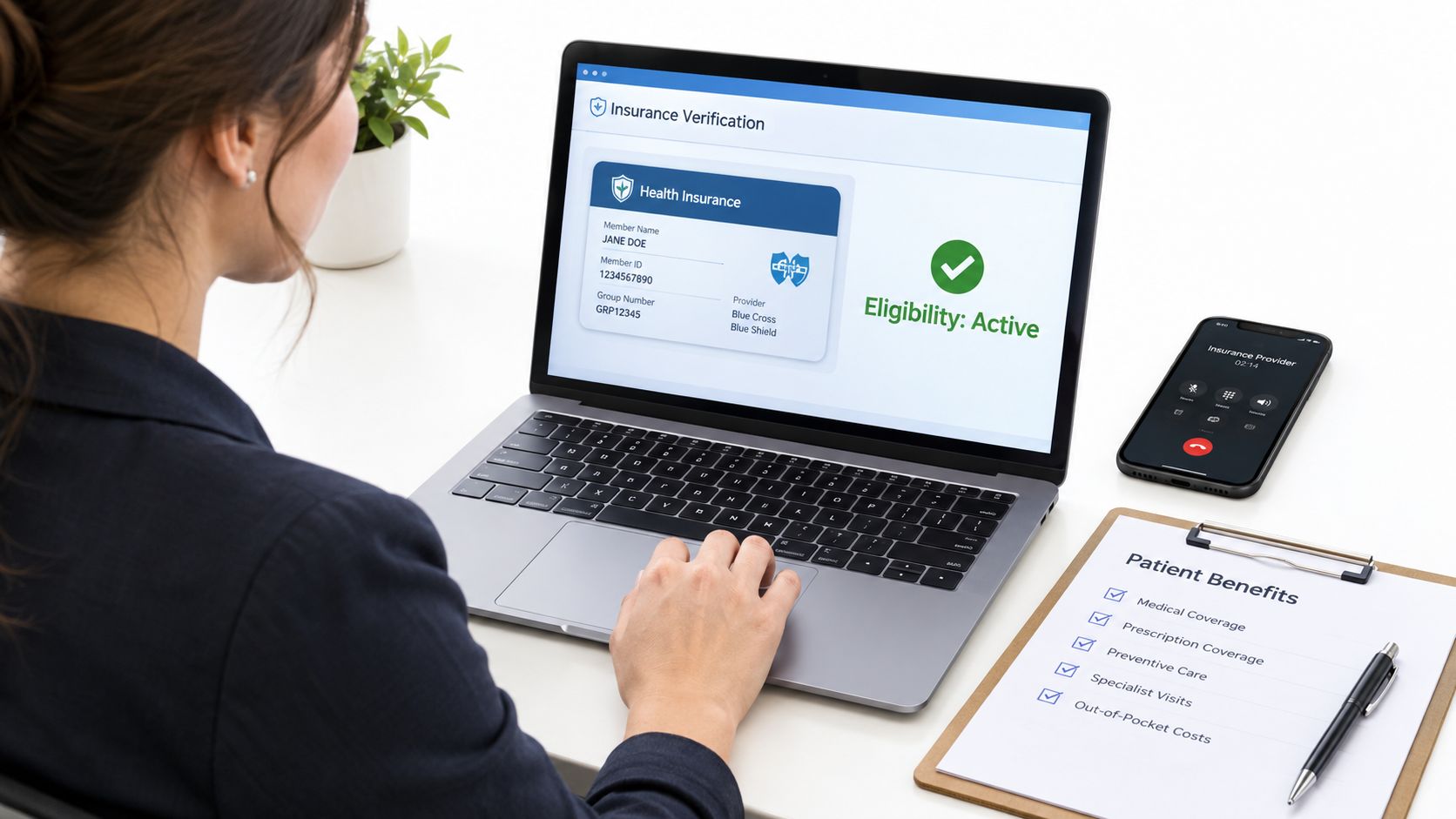
A useful verification note answers five questions:
- Coverage status: When was the check completed, which payer was contacted, what member details were used, and was coverage active?
- Source of confirmation: Was the information taken from a payer portal or representative, and what reference information may policy allow staff to record?
- Benefit conditions: Which deductible, annual maximum, waiting period, exclusion, frequency limit, or authorization requirement affects the planned service?
- Estimate limits: Does the patient-facing estimate separate the practice fee, contracted or allowable amount, expected insurer contribution, and estimated patient portion?
- Escalation point: Has unclear coordination of benefits, conflicting payer information, or an authorization problem been sent to the insurance lead or manager?
Tell patients that eligibility and estimated benefits are a snapshot. Coverage may change, and the payer makes the final adjudication.
A remote insurance verification specialist can research benefits and document the findings in the chart. The treatment coordinator or manager should handle disputed estimates, unusual payer instructions, and any discussion that could materially affect the patient's financial decision. Practices assessing this division of work can review insurance verification services as one staffing model. Access should be limited to the records and systems required for the task, with unclear coverage routed rather than guessed.
3. Patient Intake and New Patient Onboarding
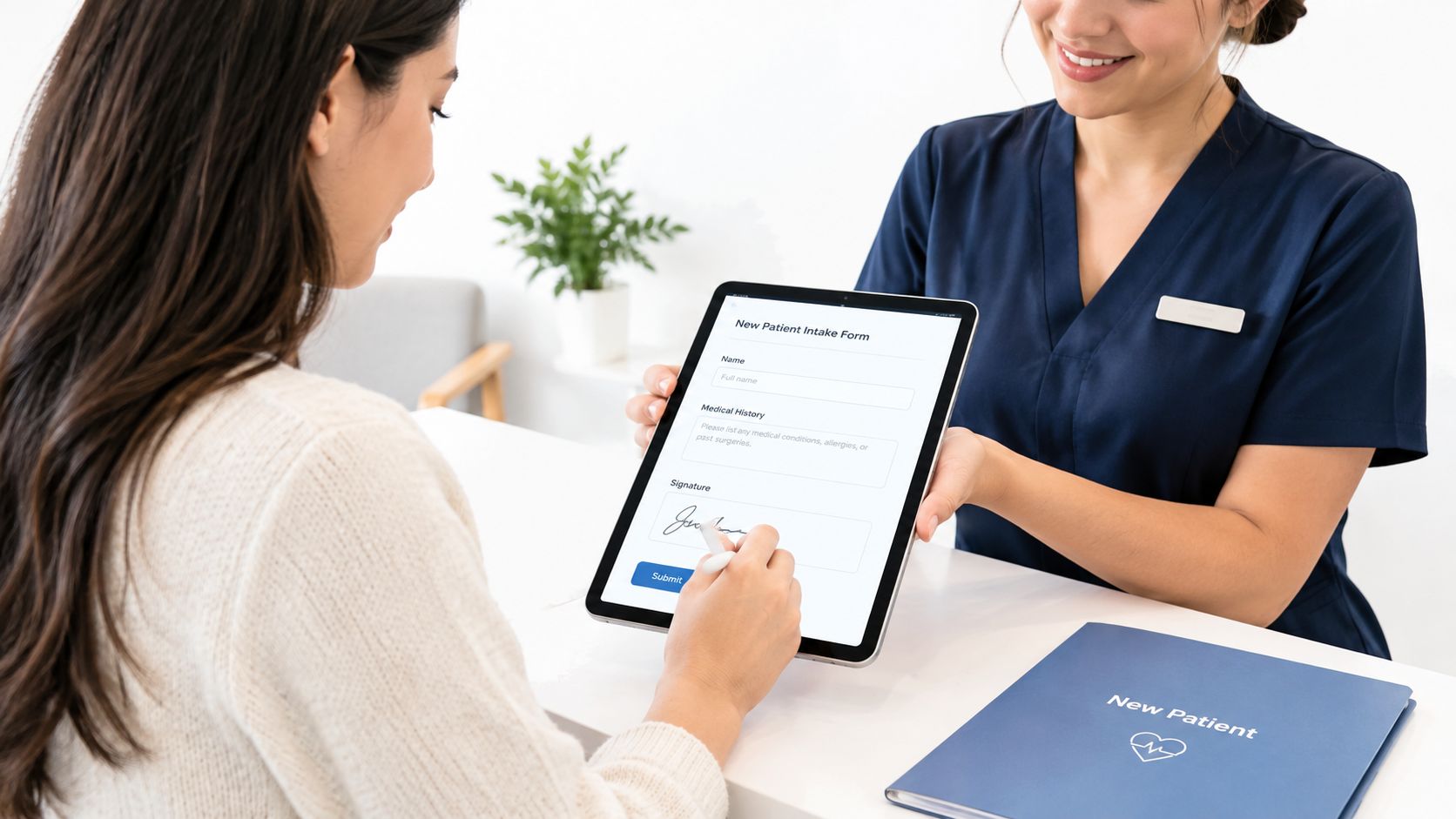
A new patient arrives with forms half completed, an unlisted medication, and a request to transfer records from another dentist. Without a clear intake workflow, the receptionist must chase information while the clinical team waits. Patient onboarding should turn a scheduled appointment into an accurate administrative and clinical handoff before the visit.
The coordinator sends registration forms, verifies identity and contact details, collects medical and dental history, and confirms emergency contacts, privacy acknowledgments, consent documents, and communication preferences. Records may be requested only after the patient authorizes the release. Every submission should be reviewed for completeness, legibility, consistent identifying information, and required signatures.
Set the handoff rules before the appointment
A remote patient intake coordinator can monitor unfinished forms, contact patients with neutral clarification questions, track authorized record requests, and prepare a concise summary for the clinical team. Digital forms, secure email, and telephone assistance each have a place. Choose the method according to the patient's access, language needs, technology comfort, and the practice's approved communication tools.
Use clear controls:
- Submission timing: Send forms after booking and set a practice-approved deadline that leaves time for follow-up.
- Completeness review: Check blank fields, unreadable uploads, inconsistent identity details, and missing signatures before marking intake complete.
- High-priority routing: Send reported allergies, medications, medical conditions, previous reactions, anxiety concerns, or special needs to the dentist or clinical lead. Staff should record the patient's words accurately, not interpret their clinical meaning.
- Records authorization: Confirm authorization before requesting prior dental records, then log the request and receipt.
- Privacy controls: Use approved portals and systems, keep forms away from shared screens, and limit chart access to assigned duties.
A manager should define who owns each escalation and what status indicates that clinical review remains pending. A documented onboarding process also supports staff training. Managers may review Tutorial AI onboarding tactics for ideas about reminder sequences and handoffs, while retaining the practice's privacy review and escalation policy. Staffing options for dental and orthodontic practices can help separate administrative intake from clinical decisions.
4. Appointment Confirmation and Reminder Calls
At 9:00 a.m., a patient has not confirmed a long procedure scheduled for the afternoon. The receptionist needs enough time to reach the patient, offer the slot to someone on the waitlist, and prevent avoidable chair downtime. Confirmation work therefore continues after booking. It turns an appointment on the calendar into an active, trackable commitment.
Use the practice's approved phone, text, or email workflow. Each message should include the date, time, provider, location, and check-in instructions. If the patient cannot attend, staff should make rescheduling easy and record the outcome rather than leaving the appointment in an uncertain status.
No-show patterns differ by appointment type and patient group. A systematic review reported retrospective dental no-show rates ranging from 13.5% to 48%, which supports reviewing local results instead of applying one practice-wide assumption. See the systematic analysis of dental appointment no-shows for the review.

Build a clear recovery path
Automation can send routine reminders. A receptionist, including a trained remote healthcare staff member, can then handle unconfirmed appointments, document responses, and contact the waitlist. The practice manager should set the handoff point, such as a defined period before the appointment when an unconfirmed slot may be offered to an ASAP patient. That rule must account for travel time, procedure length, and the time needed to reach the patient.
Record these outcomes separately:
- Confirmation status: confirmed, requested reschedule, unreachable, or declined communication.
- Waitlist action: patient contacted, slot offered, slot accepted, or no suitable patient reached.
- No-show follow-up: apply the practice policy, document outreach, and send repeated concerns to the manager.
- Communication preferences: honor approved opt-outs and channel preferences.
- Clinical escalation: send reports of severe pain, swelling, trauma, medication concerns, or other clinical matters to a licensed team member.
Remote staff may manage routine outreach, but they should not assess symptoms or give clinical advice. A licensed team member owns clinical triage, while a manager owns attendance policy and repeated no-show decisions.
The ADA states that appointment and exam reminders, confirmations, pre-operative instructions, lab results, and care-coordination follow-up may be sent without prior written consent under HIPAA when limited to that purpose. Messages must exclude marketing, solicitation, advertising, billing, debt collection, and other financial content. Review the ADA guidance on calling patients and confirm broader obligations with qualified compliance counsel.
5. Treatment Plan Presentation and Financial Counseling
After the dentist records a recommendation, the treatment coordinator turns it into an understandable administrative and financial conversation. The coordinator can explain the proposed sequence, timing, estimate, known insurance information, approved payment options, and the next action required from the patient. The coordinator records whether the patient accepts, needs time, requests a clinical discussion, or declines. The role supports informed administrative decisions. It does not include diagnosis, changing treatment, or steering a patient toward care because of cost.
Use a clear handoff between clinical and front-office conversations. The dentist or clinical team explains the diagnosis, alternatives, risks, and expected clinical result. The coordinator then explains scheduling, fees, insurance assumptions, payment timing, and practice policy. Clinical questions return to the dentist. Requests for exceptions, disputed balances, or arrangements outside policy go to the manager.
A concise treatment summary should identify the procedure, practice fee, known benefit estimate, expected patient portion, payment timing, and assumptions. State plainly that insurance information is not a guarantee of payment. If authorization or a payer decision is pending, label the amount as an estimate rather than presenting it as final.
Use these controls during the conversation:
- Plain language: Pair each procedure code with the practice's approved description.
- Options without clinical steering: Present only alternatives the dentist has documented or approved.
- Written confirmation: Send the estimate and payment arrangement through an approved channel.
- Understanding check: Ask the patient to describe the expected amount and next step in their own words.
- Escalation: Route clinical questions to the dentist and policy exceptions or disputed balances to the manager.
A remote treatment coordinator can manage this administrative discussion when the practice provides current scripts, fee schedules, payer assumptions, and approval limits. Access should follow the practice's privacy controls, and every commitment should be recorded in the designated system. Remote staff should not negotiate beyond those limits or promise a payment outcome the practice cannot support.
Small practices may assign treatment coordination to reception. Larger practices may separate it from insurance verification and billing, reducing handoff errors while adding coordination work between teams. The right arrangement depends on volume, privacy controls, and who can respond promptly when a patient needs clinical or managerial review.
6. Treatment Note Documentation and Chart Preparation
A prepared chart should let the next team member understand what happened, what remains open, and what needs review. An administrative assistant or virtual scribe can enter a dentist's dictation, attach documents from the clinical team, organize images according to practice procedure, and prepare the encounter for sign-off. The provider still owns the clinical content, accuracy, signature, and final approval.
Remote staff can perform these preparation steps from approved systems, with access limited to the records and attachments required for their role. Their boundary must be clear. A scribe may transcribe a provider's statement, but must not invent findings, choose a diagnosis, alter a treatment plan, or infer medication instructions. If dictation is incomplete or contradictory, the scribe flags the item and returns it to the provider.
Set a visible completion workflow
Define when notes are drafted, when providers review them, and who monitors unfinished charts. A virtual scribe working during U.S. clinic hours may reduce documentation waiting until the end of the day. Faster drafting does not replace verification. Provider review is the step that changes a draft into an approved record.
The workflow should connect each entry to its source, such as live dictation, an approved template, or a provider-supplied document. Procedure-specific templates can prompt for tooth number, surfaces, materials, anesthesia, complications, instructions, and follow-up when applicable. The template prompts for information, it does not authorize staff to create missing clinical content.
Attachment checks should confirm that images, forms, and referrals belong to the correct patient and encounter. Unsigned or unreviewed notes should remain visible in a work queue until the provider completes the required action. Staff should correct an error through the practice's approved amendment process, not overwrite a clinical record to make it appear complete.
Chart control: If the scribe cannot determine whether a detail was stated, the provider must clarify it before the note is finalized.
The manager should sample completed charts for timeliness, missing fields, incorrect patient selection, and unresolved provider queries. This review tests the workflow while keeping clinical judgment with the provider.
7. Treatment Documentation and Dictation Protocol
A dentist finishes a procedure, moves to the next patient, and leaves a hurried recording for the scribe. If the provider uses a different order each time, unexplained shorthand and delayed dictation create avoidable uncertainty. A consistent protocol keeps the chart moving from treatment to draft, review, and final approval while the details remain fresh.
Use a sequence that matches the practice's procedures: chief complaint and visit type, tooth or site, surfaces treated, findings, anesthesia, materials, complications, patient tolerance, post-operative instructions, and follow-up. Templates can prompt for these fields, but they cannot supply missing clinical facts. The provider remains responsible for confirming the content.
Build the handoff around clear ownership
Assign a primary scribe to each provider when practical. Familiarity with terminology and preferences can improve accuracy, while a trained backup should have the same templates and reference materials. Set the dictation method in advance: live capture during treatment, recording immediately afterward, or another secure workflow approved by the organization.
A remote scribe may prepare the draft, identify unclear wording, and route questions. The provider must clarify anything that could affect the clinical record, treatment description, or billing before signing.
Documentation rule: If the scribe cannot tell whether a detail was stated, flag it for provider clarification rather than guessing.
Keep a visible status for every encounter: draft, pending provider review, or signed. The practice should define who checks unfinished charts and when unresolved items are escalated. A faster draft shortens the queue, but only provider review turns it into an approved record.
Managers can review a small set of operational signals:
- Completion queue: Encounters remaining in draft, pending review, or unsigned status.
- Clarification volume: Templates or procedures that generate repeated provider questions.
- Correction patterns: Errors involving patient selection, tooth number, procedure description, attachments, or transcription.
- Escalation response: Whether providers answer documentation queries within the agreed workflow.
Remote staff need training in dental terminology, templates, the EMR or practice-management system, and privacy procedures. Their permissions should exclude editing signed notes or making coding decisions outside the assigned process. If documentation affects billing, the billing or clinical lead resolves it through the practice's review path. The manager can then adjust templates, training, or staffing based on recurring failures.
8. Documentation Workflow and Compliance Considerations
A patient's information can pass through scheduling, intake, insurance verification, treatment planning, and payment communication before it reaches the chart. Each handoff creates a control point. The practice must define who may view each category, which system receives it, how messages are retained, and who resolves an error.
Technology adoption does not remove workflow risk. One 2026 industry summary reported that 96% of U.S. dental practices use some form of dental software, while another reported that cloud or web-based systems held 55.54% of the dental practice-management software market in 2024. The same reporting said AI phone answering was present in 40% of practices, and only 23% of surveyed practices were very satisfied with their current technology stack. These figures describe a common operating problem: software is widely available, yet disconnected systems and unclear ownership still create front-office friction. See the dental technology transformation overview for market context.
Build the control path before assigning access
Set permissions by task, not by convenience. A remote receptionist may schedule and update contact details without unrestricted access to clinical notes. An intake coordinator may enter forms but should not approve treatment documentation. A billing specialist may review financial information without changing clinical records. Review access whenever duties change, and remove it promptly when the assignment ends.
Use a document workflow guide to align permissions and correction controls across remote and in-office staff.
The practice also needs a clear operating path for common events:
- Electronic signatures: Confirm that the signature method meets applicable federal, state, payer, and organizational requirements before using it to close a chart.
- Corrections: Add a dated addendum or use the approved correction process. Do not delete or overwrite the original entry.
- Transmission: Send forms, records, reminders, and payer documents only through approved systems. Personal email and unapproved messaging should be excluded.
- Privacy escalation: Route misdirected messages, suspected unauthorized access, privacy incidents, and lost documents to the designated privacy or compliance lead immediately.
- Outside services: Put appropriate confidentiality and business-associate arrangements in place when a vendor handles protected health information. Confirm that the live workflow matches the agreement.
Remote staff can perform structured administrative steps when templates, permissions, and escalation rules are explicit. Clinical interpretation, coding decisions outside the assigned process, and uncertain privacy events remain with the designated clinical, billing, or compliance lead.
HIPAA requirements and recommended security practices are different. The practice should confirm its specific obligations with qualified compliance counsel or a privacy professional, especially when staff work remotely across locations or state rules add requirements.
Dental Reception Duties, 8-Point Comparison
| Item | Implementation complexity | Resource requirements | Expected outcomes | Ideal use cases | Key advantages |
|---|---|---|---|---|---|
| Appointment Scheduling and Calendar Management | Moderate–High (PMS integration, multi-provider logic) | Trained virtual receptionist, PMS access, scheduling matrix | Predictable patient flow, higher provider utilization, fewer idle slots | Multi-provider clinics, high call volume, practices needing centralized scheduling | Eliminates missed calls, reduces admin burden, improves case acceptance |
| Insurance Eligibility and Benefits Verification | Moderate (multi-payer methods, documentation) | Insurance specialist, payer portals/phone access, verification tools | Fewer claim denials, accurate patient cost estimates, faster adjudication | Practices with diverse payers, high-cost cases, frequent pre-authorizations | Prevents surprise billing, maximizes reimbursement, documents eligibility |
| Patient Intake and New Patient Onboarding | Low–Moderate (form workflows, data capture) | Intake coordinator, HIPAA-compliant forms/platform, follow-up process | Complete pre-visit records, improved clinical safety, faster check-in | New-patient-heavy practices, clinics needing detailed histories | Reduces day-of delays, ensures informed consent, flags clinical risks |
| Appointment Confirmation and Reminder Calls | Low–Moderate (automation + live follow-up, compliance) | Reminder system, staff for manual follow-ups, documented patient consent | Lower no-show rates, timely rescheduling, improved schedule fill | Practices with high no-shows, busy schedules, active waitlists | Reduces no-shows, captures last-minute reschedules, improves utilization |
| Treatment Plan Presentation and Financial Counseling | Moderate (cost calculations, insurance coordination) | Trained financial counselor/front-desk, pricing templates, financing options | Higher treatment acceptance, clearer patient expectations, improved cash flow | Practices offering restorative/expensive procedures, complex case plans | Increases acceptance, transparency on costs, accelerates payment |
| Treatment Note Documentation and Chart Preparation | Moderate (real-time entry, EHR linking) | Virtual scribe or admin, EHR access, imaging integration | Same-day charts, accurate billing, strong legal medical record | High-volume providers, practices requiring audit-ready documentation | Ensures continuity of care, supports billing, legal defensibility |
| Treatment Documentation, Dictation Protocol | Low (standardized templates and training) | Provider training, structured templates, assigned scribes | Consistent notes, faster chart completion, fewer transcription errors | Practices using scribes or remote transcription services | Improves note consistency, speeds documentation, enhances billing accuracy |
| Documentation Workflow and Compliance Considerations | High (security, signatures, audit trails) | IT/security support, secure EHR, role-based permissions, audit logs | Regulatory compliance, protected PHI, clear correction trails | Practices with remote staff, strict state/federal record requirements | Maintains legal integrity, protects patient privacy, simplifies audits |
The Takeaway
Dental reception duties form one connected operating system. Scheduling and communications protect access, while intake and insurance verification prepare the visit. Treatment-plan communication sets financial expectations, and documentation supports continuity, billing, provider review, and a dependable patient record.
Managers should map each duty to five controls: an accountable owner, a written standard operating procedure, the system permission required, a quality metric, and an escalation path. For scheduling, that may mean measuring unanswered calls, booking outcomes, unresolved conflicts, and open-slot recovery. For intake and verification, it may mean tracking incomplete forms, unresolved payer questions, and records requests. For reminders, the practice should monitor confirmation status, late cancellations, no-shows, and waitlist activity. For documentation, the manager should review unfinished notes, clarification requests, and correction patterns.
The work can be divided among a dental receptionist, patient intake coordinator, insurance verification specialist, treatment coordinator, billing assistant, medical records specialist, and virtual scribe. In a smaller practice, one trained person may handle several roles. In a larger practice, separating them may improve accountability and reduce interruptions. Either way, remote support works best when the assistant works during the clinic's U.S. hours, has role-specific training, uses approved systems, signs appropriate agreements, and knows exactly when to stop and escalate.
A remote receptionist can handle appointment booking, confirmations, rescheduling, recall outreach, and routine message triage. An intake coordinator can manage forms, records requests, and follow-up. An insurance specialist can verify benefits and document payer responses. A scribe can prepare notes from provider dictation. None of these roles should independently diagnose, interpret symptoms, recommend dental treatment, or make a clinical decision reserved for the dentist.
Medical Virtual Assistants connects U.S. healthcare practices with pre-vetted healthcare staff in Latin America, including virtual receptionists, intake coordinators, insurance verification specialists, billing assistants, records specialists, and scribes. Practices that need help defining the role, reviewing candidates, and setting up a compliant workflow can evaluate whether this model fits their dental front office.
Medical Virtual Assistants offers pre-vetted remote healthcare professionals who can work U.S. clinic hours inside approved phone and practice-management workflows. For help scoping scheduling, intake, insurance verification, or documentation coverage, visit Medical Virtual Assistants and review the available staffing options.